Business Process Improvement

Still Managing Business Processes Through Excel and Emails? Here's What Your Business Could Be Missing

Spreadsheets and inboxes work well when a business is small. As it grows, the same tools quietly become the bottleneck. Here is what that costs, and where custom business applications and workflow automation fit in.
Nov 18, 2026 16 min read For operations and business leaders
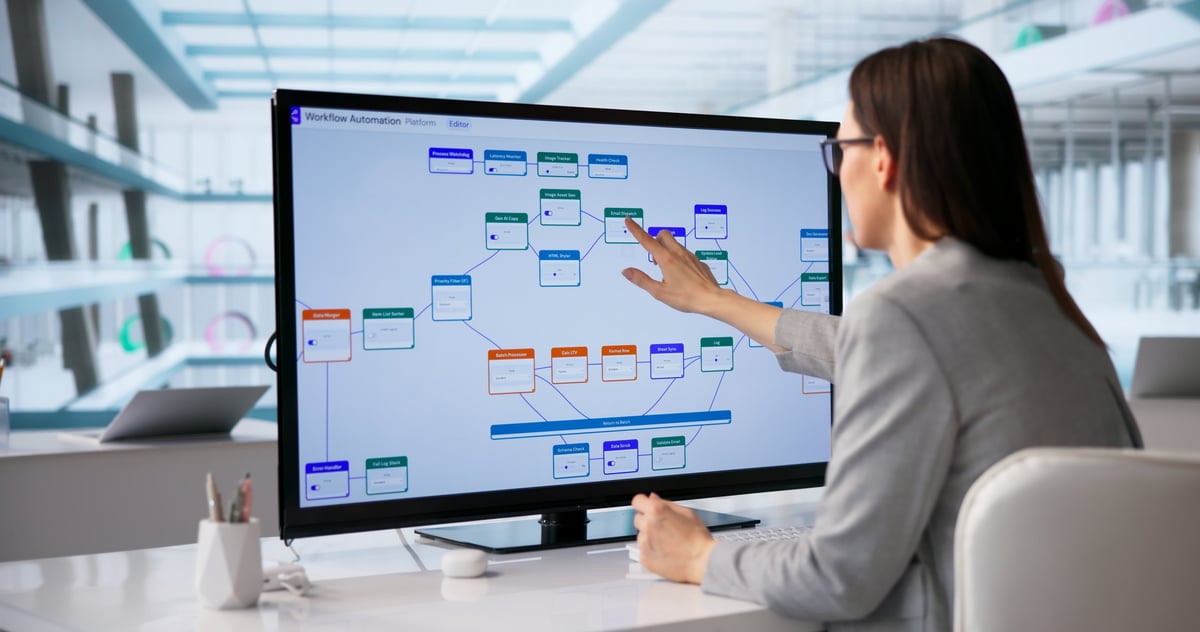
Business Leaders Utilizing Workflow Automation Tools For Streamlined Task Management And Process Optimization

From manual processes to connected operations

How custom applications and workflow automation help businesses work smarter.

Many businesses rely on Excel spreadsheets, emails and manual follow-ups to manage everyday operations. These tools are familiar, accessible and often get the job done when a business is small.

However, as organisations grow, their processes become more complex. More employees become involved, information moves between departments, approvals take longer and administrative responsibilities increase.

What once seemed like a straightforward way of managing work can gradually become a source of inefficiency.

For businesses in the Netherlands looking to improve operational efficiency, the challenge is not necessarily a lack of technology. It is often that existing systems, applications and processes are not working together effectively.

So, what could your business be missing, and how can custom business applications and workflow automation help?


1. When Excel Becomes More Than a Reporting Tool

Excel remains a valuable business tool. Organisations use it to manage information, monitor performance, maintain records and prepare reports.

The problem arises when spreadsheets become the foundation for managing entire business processes.

Consider a business that uses Excel to track customer requests, employee tasks, purchase orders or approval processes.

As the business grows, several challenges may emerge:

Multiple versions of the same spreadsheet circulate between employees.

Information must be entered manually across different files.

Employees spend time checking whether records are up to date.

Important updates depend on someone remembering to make them.

Managers struggle to establish which information is accurate.

Asian businesswoman working overtime at modern office desk. Piles of paperwork grow rapidly as colleagues rush past. pressure and work overload.
When a spreadsheet becomes the process, the paperwork follows it.

The issue is not Excel itself. It is relying on a spreadsheet to perform tasks that would be better managed through a structured business application or connected workflow.

Businesses should consider whether their current tools are still appropriate for the complexity of their operations. If a spreadsheet has become the system of record for a live process, that is usually the signal.

2. The Hidden Cost of Email-Based Business Processes

Email is essential for business communication, but it is not always the most effective way to coordinate operational processes.

For example, imagine a purchase approval process:

  1. 1

    An employee sends a purchase request by email.

  2. 2

    The request is forwarded to a manager.

  3. 3

    The manager reviews it and replies.

  4. 4

    Someone manually updates a spreadsheet.

  5. 5

    Finance is notified through another email.

  6. 6

    The original employee follows up to confirm the outcome.

Although each step appears manageable, the overall process depends on several manual actions.

If an employee misses an email, forgets to update a record or delays an approval, the entire process can slow down.

As these activities are repeated across an organisation, they consume time that employees could otherwise spend on more valuable responsibilities.

Tired Corporate Woman Struggles With Endless Emails While Managing Busy Schedule.
Six steps, five of them dependent on someone remembering.

A structured approval workflow can help businesses manage requests, notify the appropriate people and maintain better visibility into outstanding tasks.

This is one of the most common starting points for workflow automation, because the process is already well understood by the business. It simply is not enforced by anything. Workflow automation services map that existing process into something the system runs rather than something people remember.

3. Disconnected Systems Make Business Operations More Difficult

Many organisations use multiple applications to manage different areas of their operations.

A typical fragmented landscape

  • Finance teams use accounting software.

  • Sales teams use customer relationship management systems.

  • Operations teams maintain spreadsheets.

  • Managers rely on email for approvals and communication.

  • Employees use separate applications to complete everyday tasks.

complex messy management, bureaucracy, red tape, organization and innovation, business disruption, complicated business process
Each system is sound on its own. The friction appears in the gaps between them.

These systems may work perfectly well individually. However, problems can arise when information needs to move between them.

Employees may have to copy information from one application into another, repeat administrative tasks or manually check whether updates have been completed.

This can introduce inconsistencies and make it harder for managers to understand what is happening across the organisation.

Business process automation and appropriate system integrations can help connect these activities, reducing unnecessary manual intervention. Where the gap is genuinely between systems, system integration is often a better starting point than building something new.

4. How Workflow Automation Can Improve Everyday Operations

Workflow automation involves using technology to coordinate repetitive tasks and business activities according to defined rules.

Rather than relying on employees to remember every action, an automated workflow can initiate tasks, send notifications, route approvals and update connected systems.

Depending on the business requirements, workflow automation can support activities such as:

Approval management

Requests can be automatically directed to the appropriate person for review, with notifications when action is required.

Automated notifications and reminders

Employees and managers can receive notifications when tasks are submitted, approved, delayed or require attention.

Information transfer between systems

Connected applications can exchange information, reducing the need for repetitive data entry.

Document and request management

Business documents and requests can follow structured processes from submission through review and completion.

Task coordination

Work can be assigned to the appropriate employees, helping teams understand responsibilities and outstanding activities.

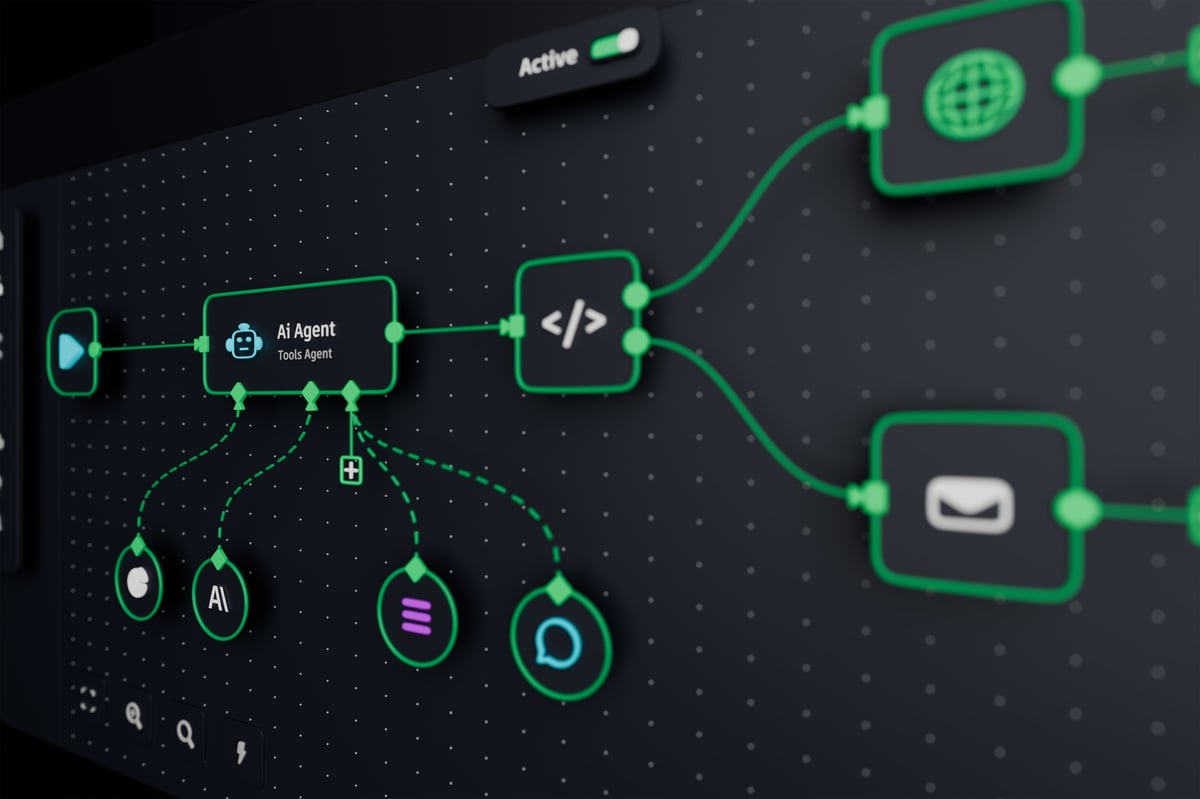
AI workflow automation artificial intelligence software interface nodes triggers data tool dashboard coding icon flow process technology 3d rendering.
A workflow makes the rules explicit. The process runs whether or not anyone remembers it.

For businesses using Microsoft technologies, solutions such as Microsoft Power Automate can support many of these scenarios. More complex requirements may call for additional development and integration.

The objective is not to automate every activity. It is to identify where automation can make a meaningful operational difference.

5. When Does Your Business Need a Custom Business Application?

Workflow automation can improve how tasks move between systems. However, some organisations need more than automated notifications and approval processes.

They may need a central application through which employees can manage information, submit requests, monitor progress and complete operational tasks.

This is where custom business applications become valuable.

Unlike generic software that requires businesses to adapt their processes around predefined functionality, a custom application can be designed around specific operational requirements.

For example, a business might need:

An internal application for managing customer requests.

A central system for tracking operational activities.

An approval application with different employee permissions.

A platform for managing projects and assigned tasks.

A custom application that brings information from different business systems together.

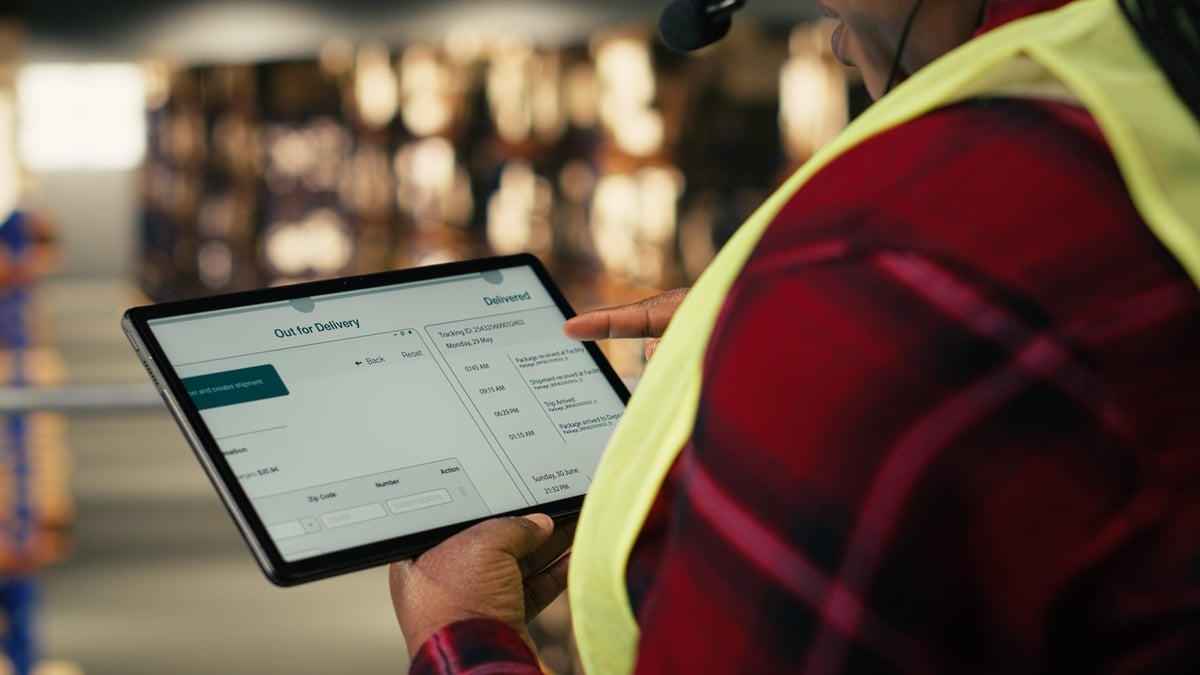
Man, tablet and warehouse manager with inventory of boxes for delivery, export or email for orders in ecommerce. Smile, logistics and employee with digital app for online stock checklist in storage.
An application gives staff one place to work, instead of a folder of files to interpret.

The right solution depends on how the organisation operates, the challenges it faces and the functionality required.

A custom application can also work alongside existing software rather than requiring a complete replacement of the systems a business already uses. That matters, because most organisations are not starting from zero. Custom application development is usually an addition to the existing landscape, not a rebuild of it.

6. Custom Applications and Workflow Automation: Why They Work Better Together

Custom business applications and workflow automation address different aspects of operational efficiency.

A business application provides employees with a structured environment in which to complete tasks and manage information.

Workflow automation helps coordinate what happens behind the scenes.

Consider an employee submitting a maintenance request through an internal business application.

The application records the request and makes its status visible. An automated workflow can then notify the responsible manager, route the request for approval and inform the employee when the status changes.

Instead of relying on separate emails and spreadsheet updates, the process becomes more structured.

Customer support agent, managing calls, shipment details, cargo tracking, delivery status, warehouse logistics operations while she wears safety vest and headset. Airway bills in industrial space.
The application holds the record. The workflow moves it to the next person.

Without a connected process

  • Request arrives by email, no single record exists
  • Approval sits in someone's inbox
  • Status is unknown until someone asks
  • Records updated by hand, if at all

With an application and workflow

  • One record, visible to everyone who needs it
  • Routed automatically to the right approver
  • Status is always current, notifications sent on change
  • Connected systems updated as part of the flow

When these technologies are designed around the same business requirements, organisations can create more connected and manageable operational processes.

The result is not simply more technology. It is a more practical way of getting work done.

7. How to Identify Which Business Processes Should Be Improved First

Not every business process needs to be replaced or automated immediately.

A sensible starting point is to identify activities that repeatedly create unnecessary work or delays.

Consider asking the following questions:

Which tasks require employees to enter the same information more than once?

Which approvals depend on email reminders and manual follow-ups?

Where do employees struggle to find accurate or up-to-date information?

Which processes involve several departments or handovers?

What administrative activities consume significant time each week?

Are existing business applications meeting the organisation's operational needs?

Group of young businesspeople sharing ideas in the office during a productive meeting, using colorful sticky notes on a whiteboard
The people who run a process are usually the ones who can describe where it breaks.

Once these challenges are understood, businesses can evaluate whether workflow automation, a custom application, system integration or a combination of these approaches would be most appropriate.

Starting with a clearly defined business problem also makes it easier to evaluate the potential benefits of a proposed solution. If you are still weighing up which capability fits, the Power Platform solutions guide sets out how Power Apps, Power Automate, Power BI and Power Pages fit together.

How FlexiSolutions Helps Businesses Improve Their Processes

At FlexiSolutions, we help organisations turn operational challenges into practical technology solutions.

We focus on understanding how businesses work, identifying opportunities for improvement and developing solutions that support their operational requirements.

Our services include custom business applications and workflow automation designed to help organisations reduce repetitive administration, improve process visibility and connect business activities more effectively.

Whether your organisation is relying heavily on spreadsheets, managing approvals through email or working with disconnected applications, we can help explore a more structured approach.

Our solutions are developed around your business requirements rather than assuming that every organisation needs the same technology.

We also provide remote services to businesses in the Netherlands, making it possible to discuss requirements and explore potential solutions without needing an on-site engagement.

Frequently asked questions

Common questions about business process improvement, workflow automation and custom applications.

Is It Time to Rethink How Your Business Works?

Excel, email and existing business applications can remain valuable parts of your technology environment.

The important question is whether the way your organisation uses them is still supporting its growth and operational requirements.

If employees spend too much time on repetitive administration, information is scattered across different systems or important processes depend on constant manual follow-ups, there may be an opportunity to improve how work gets done.

The first step does not have to be a major technology project. It can simply begin with a conversation about the processes that are creating the most difficulty.

Have a business process you'd like to improve?

Book a free 20-minute discovery call with FlexiSolutions. Let's discuss your operational challenges and explore how custom business applications and workflow automation could help your organisation.

Remote delivery, Netherlands and wider Europe · FlexiSolutions — Power in Action.

Related reading and services

Continue with the guides and services behind this article.