Spreadsheets are good tools. The problem starts when a spreadsheet quietly becomes the system a business runs on.

Spreadsheets are useful business tools. They help employees organise information, track activities, manage budgets and share updates. For many organisations, Excel is a practical way to get work done.
But there is a point where a spreadsheet stops being a simple tool and starts becoming something the entire business depends on.
Different departments maintain separate versions of the same information. Employees repeatedly enter data into different files. Requests and approvals are managed through email. Managers spend hours collecting updates just to understand what is happening across the business.
The problem is not necessarily Excel itself. It is that the process has become too complex to manage through spreadsheets alone.
For businesses experiencing these challenges, Microsoft Power Apps offers a way to build applications around the processes they need to manage.
But how do you know when it is time to make that move? And when is Power Apps actually the right solution?
This article is a focused, practical read on recognising the moment a spreadsheet-based process needs a proper application. If you want the fuller picture of the platform itself, the Power Apps guide for businesses in the Netherlands covers canvas versus model-driven apps, licensing, governance and implementation in detail.
Most spreadsheet-based processes start with a reasonable purpose.
A team needs to track projects, so someone creates a workbook. Another department needs to monitor inventory, so it develops its own tracker. Employees need to submit requests, so a shared spreadsheet becomes the easiest option.
Initially, everything works. As the organisation grows, however, more people become involved, more information needs to be captured and additional processes depend on those files.
What started as a simple spreadsheet gradually becomes an unofficial business system.
When employees download, edit and share spreadsheets, it becomes increasingly difficult to maintain one reliable version. Someone updates a local copy while another employee changes the shared file. Important updates may not reach everyone who needs them. Even with cloud-based collaboration, the underlying process can remain difficult to control if the workbook is being used to manage complex records and activities.
An employee records information in one spreadsheet, copies it into another system and then sends an update by email. The same information is entered several times, increasing administrative work and creating opportunities for errors. Over time, employees spend more effort maintaining information than using it.
A spreadsheet may contain the information, but the actual process happens somewhere else. An employee submits a request by email. A manager replies with an approval. Someone updates the spreadsheet, while another person sends a follow-up when the next step is delayed. There is no straightforward view of the complete process, its current status or who is responsible for moving it forward.
Managers may need information from several teams before they can understand overall performance. Each department maintains its own records, formats information differently and provides updates at different times. Producing a consolidated report becomes a manual exercise. By the time the information has been collected and checked, it may already be outdated.
When different employees manage the same process using their own spreadsheets, the way information is captured can vary. One employee records additional details, another uses different status labels, and a third follows a separate approval process. The business may have a documented procedure, but the tools being used do not necessarily enforce it.
The pattern
A simple tracker
One person, one file, a clear purpose
Shared and copied
Colleagues need it, versions multiply
Process moves to email
The file holds data, the inbox holds the workflow
Business critical
Reporting, approvals and decisions all depend on it
Nobody chooses stage four. It arrives through a series of individually sensible decisions, which is exactly why it is rarely noticed until something breaks.

These are signs that the business may have outgrown the way it manages the process, even if the spreadsheet itself still works.
The biggest problem with spreadsheet-based processes is not always obvious.
A spreadsheet may appear inexpensive because the business already has access to Excel. However, the time and effort required to maintain the process can create costs that are not immediately visible.
Consider a team responsible for managing several ongoing projects. Every week, employees update separate files, project managers follow up on outstanding tasks, and someone consolidates the information into a management report.
The business is spending time on the following.
None of these activities necessarily moves the project forward. They are administrative tasks created by the way the process is managed.
The same problem can occur in inventory management, workforce planning, production, finance and internal administration. As the number of users and activities increases, these manual tasks can become a regular operational burden.

The important question is not simply how many spreadsheets the organisation uses. It is how much work is required to keep the information accurate, accessible and useful.
Before introducing new technology, businesses should understand what they actually want to improve.
Replacing a spreadsheet with an application will not automatically fix an inefficient process. If responsibilities are unclear or information is poorly structured, those problems can simply move into a different system.
A better approach begins by reviewing how the process works. Consider an organisation managing internal requests through email and spreadsheets.
Before and after
Manual coordination
Structured process
Notice that both versions contain the same six steps. The difference is who is responsible for coordinating them.

The objective is to make the process easier to manage, not simply to make it digital.
Microsoft Power Apps allows organisations to build custom business applications around their operational requirements.
It is part of Microsoft Power Platform and provides a low-code development environment for creating applications that connect to business data and support specific workflows.
Rather than relying on a general-purpose spreadsheet to manage an entire process, employees interact with a structured application designed around the work they need to complete.
For example, a business could build a project management application where employees can view projects and assigned tasks, update progress and completion status, record deadlines and issues, access relevant project information and track outstanding activities. Managers could then use the same environment to monitor progress and understand where attention is required.
Data sources
Dataverse
SharePoint
SQL Server
Other services
A business does not necessarily need to replace its entire technology environment to improve one particular process. The application can be designed to work alongside existing systems, depending on the integration requirements.
A detail worth understanding before you start: Excel as a data source
Power Apps can connect to Excel data, but that does not mean Excel should automatically remain the long-term data store for a growing business application.
Microsoft's documentation describes options including connecting to a cloud-hosted Excel table, or uploading the data into Dataverse. The right choice depends on the requirements. A quick proof of concept may work perfectly well on a well-formed Excel table, while a process with relationships, many users and rules to enforce usually calls for a proper data platform.
The best starting point is usually a process that creates recurring administrative work or makes important information difficult to manage. Here are some examples.
If project managers rely on separate spreadsheets to monitor tasks, deadlines and responsibilities, a central application can provide a shared view of project activity. Employees update their assigned work, while managers review progress and identify outstanding tasks.
Businesses can use tailored applications to record stock movements, manage equipment records, track asset locations and capture operational updates. Employees access structured records instead of relying on separate tracking files.
A skills management application can centralise employee capabilities, qualifications and development information. This helps managers understand available skills, identify gaps and support workforce planning.
Applications can provide a structured way for employees to submit requests and track their progress. The process can also be connected to Power Automate to manage notifications, approvals and reminders.
Workflow automation with Power AutomateEmployees record production updates, operational issues and other information through a dedicated application. This creates a more consistent way to capture data and makes it easier to connect operational information to reporting tools.

The specific application will depend on the business process, the people involved and the information that needs to be managed.
The difference is not simply the appearance of the interface. It is how the business manages the information and the process behind it.
Side by side
Spreadsheet
Information maintained across separate files
Application
Shared, structured information
Manual data entry and updates
Forms designed around required information
Status checked through emails and messages
Status visible within the application
Different employees use different formats
Consistent data capture
Manual follow-ups and reminders
Workflows can automate notifications
Reports assembled from multiple files
Information can feed into reporting tools
File-level access management
Application and data permissions can be configured
This does not mean every spreadsheet should become an application. Excel remains valuable for calculations, analysis, financial modelling and straightforward data management. The decision should depend on whether the spreadsheet is still the right tool for the process it is being used to manage.
Power Apps can provide the application employees use, but it does not have to operate on its own. When combined with other Microsoft Power Platform services, it can support a more connected business process.
How they fit together
Power Apps captures the request
An employee submits a request through a form designed for that purpose
Power Automate runs the workflow
A manager is notified, approval is requested, and the status is updated
Dataverse holds the structured record
Records, relationships, business rules and security controls, where the solution requires them
Power BI shows what it means
Managers monitor volume, performance and trends without combining spreadsheets by hand
Power Apps
Managing the activity itself
Power Automate
Connecting the workflow between steps
Power BI
Understanding the information collected
Dataverse
Structuring the underlying data

Not every solution needs Dataverse. The right data source depends on the application and the organisation's existing environment. Together, these services help businesses move from disconnected manual activities towards more structured and connected operations.
A useful way to understand the possibilities is to look at how business applications can support specific operational requirements. FlexiSolution has developed several platform demonstrations that illustrate these approaches.
 Live demo
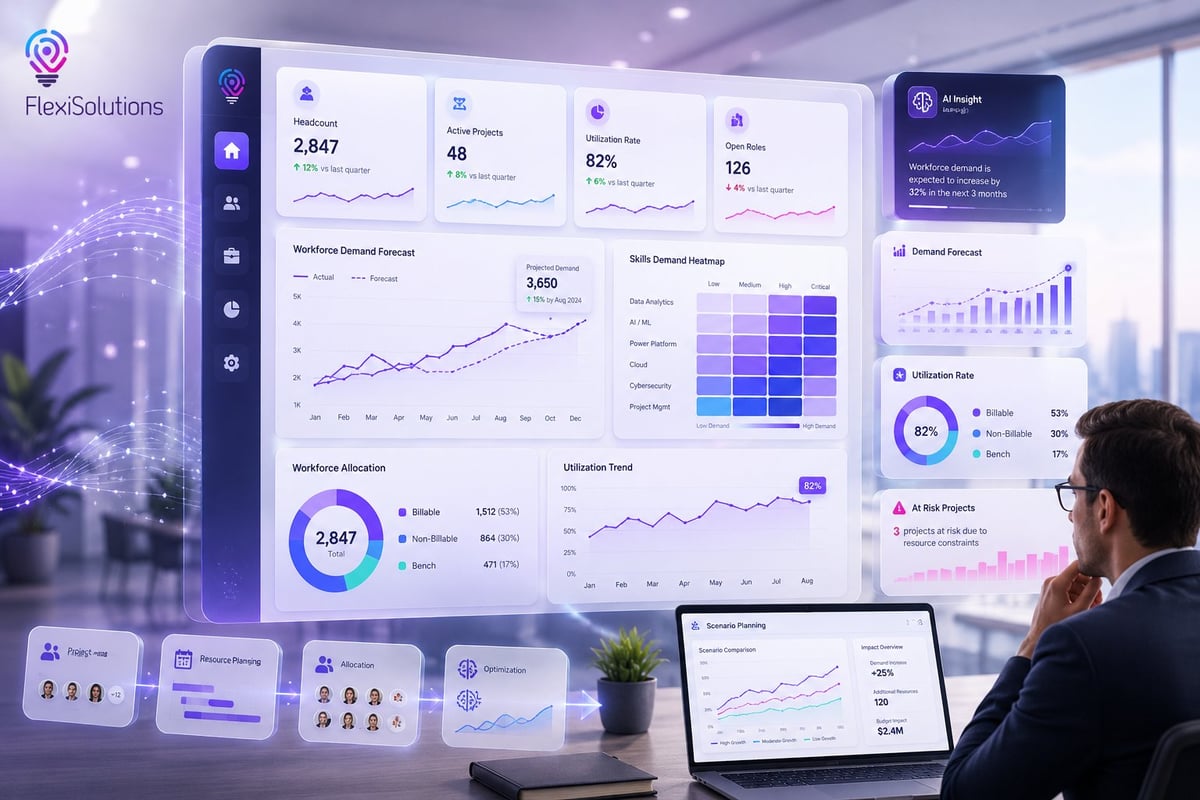
The Commercial Operations Platform demonstrates how commercial activities and project information can be brought together in a central environment. It illustrates an alternative to managing commercial information through scattered spreadsheets, with a connected view of relevant activity and reporting.
 Live demo
The Project Management Platform demonstrates how projects, tasks, responsibilities and progress can be managed through a central application. It illustrates how project information can be organised instead of relying on multiple files and manual updates.
 Live demo
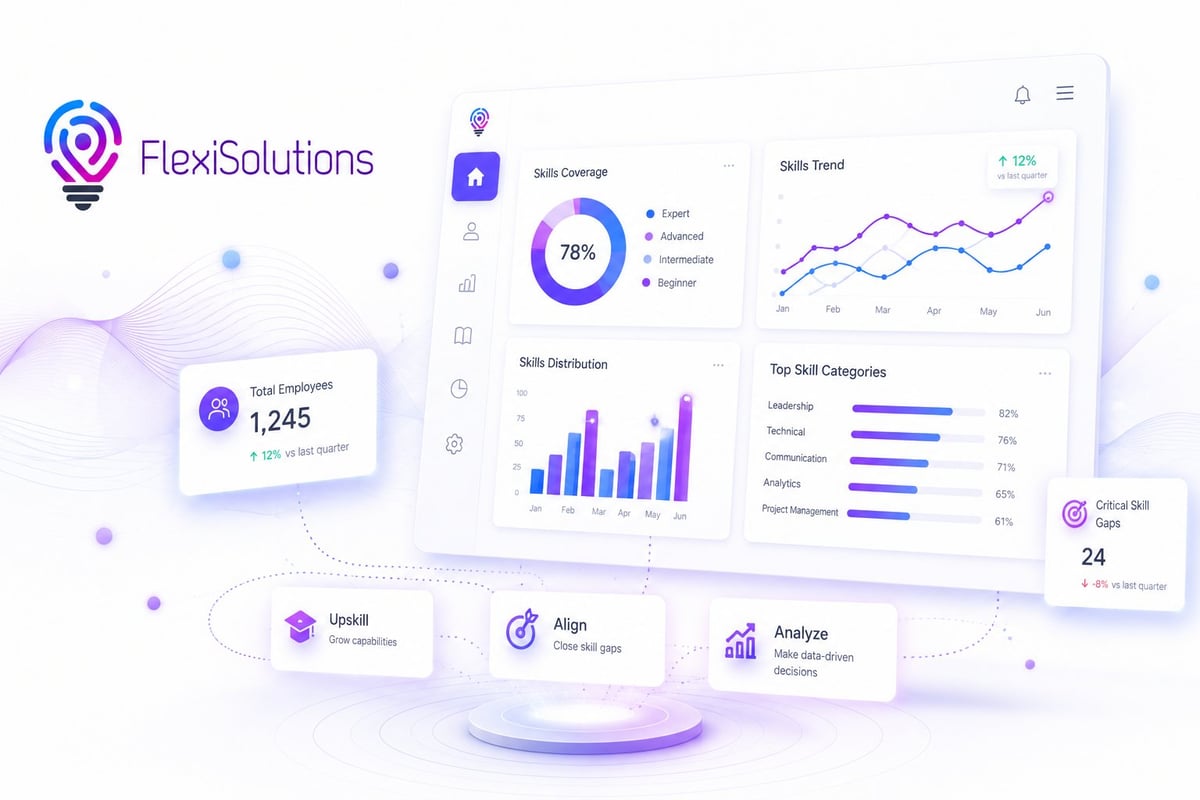
The Skills Management Platform demonstrates how employee skills and workforce information can be organised within a dedicated application. It shows how organisations can move away from fragmented skills records and create a more structured view of workforce capabilities.
These are platform demonstrations that illustrate possible business application approaches. They are not presented as verified customer implementations.
Not every spreadsheet is a problem.
Excel is still an excellent tool for many business activities. It supports calculations, financial models, data analysis, charts and straightforward tracking. If a workbook is used by a small number of people, contains relatively simple information and does not create recurring process issues, there may be no reason to replace it.
A business application becomes worth considering when the process requires more structure than a spreadsheet can comfortably provide.

The goal is not to introduce an application because the technology is available. It is to introduce one when it provides a meaningful improvement over the current way of working.
The transition should be planned around the process, not treated as a simple exercise in transferring spreadsheet data into a new interface. A practical approach includes the following steps.

Start with one process that creates recurring problems. It could be project tracking, inventory management, employee requests or operational reporting. Avoid trying to replace every spreadsheet at once.
Identify who uses the information, where it is stored, how updates are made and where delays occur. This helps establish what the application needs to improve.
Determine what employees need to do, what information should be captured and what managers need to monitor. Keep the requirements focused on the business outcome.
Review where information currently lives and whether the application needs to connect to existing services. This could include Microsoft 365, SharePoint, Dataverse, SQL databases or other business systems.
Choose the appropriate Power Apps approach and develop the functionality around the agreed requirements. The application should be designed for the people who will actually use it.
Test with representative users, validate the information and confirm that the process works as intended. Employees should understand how to use the new application and where to get support.
Once the application is in use, review whether it is solving the original problem. As the business develops, additional functionality or integrations may become necessary.
Power Apps can be a suitable option when an organisation needs a custom application to support a specific business process, particularly when it already uses Microsoft services.
However, it is not automatically the right choice.
Some requirements may be better addressed by improving an existing process, making better use of Excel, configuring an existing business application or investing in a different software solution. The important thing is to understand the problem before deciding on the technology.
At FlexiSolution, we approach business applications from the perspective of operational requirements. We look at how the business currently works, where information and processes become difficult to manage, and what a better solution should achieve. From there, we can assess whether Power Apps, automation, integration or another approach is appropriate.
If your organisation is spending too much time maintaining spreadsheets, chasing updates or managing disconnected processes, it may be worth reviewing how those activities are handled.
Your business should not have to work around the tools it uses to get things done.
Let's look at where your current tools are creating unnecessary work and whether a tailored business application could provide a better way forward.
The questions that come up most often when businesses consider moving a process off spreadsheets.
Continue reading